E-signatures for everybody
Tap.Sign.Done.
DumbEasy is the dumb-simple way to sign documents and get them signed. No printer, no scanner, and the people signing never need an account.

Free for 10 documents every month.
How it works
Six steps. Zero headaches.
Add any document
Pick a PDF, scan paper with your camera, or start from a template like a lease, a loan or a waiver.
Or just tell the AI what you need, and it writes the document for you.
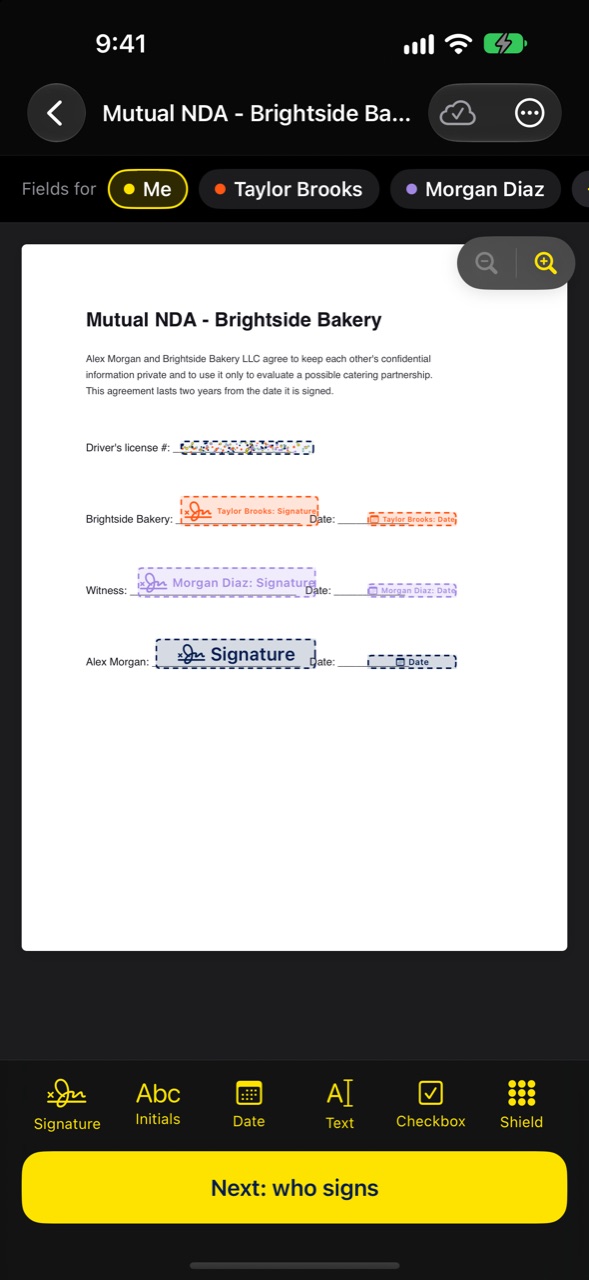
AI puts the boxes where they go
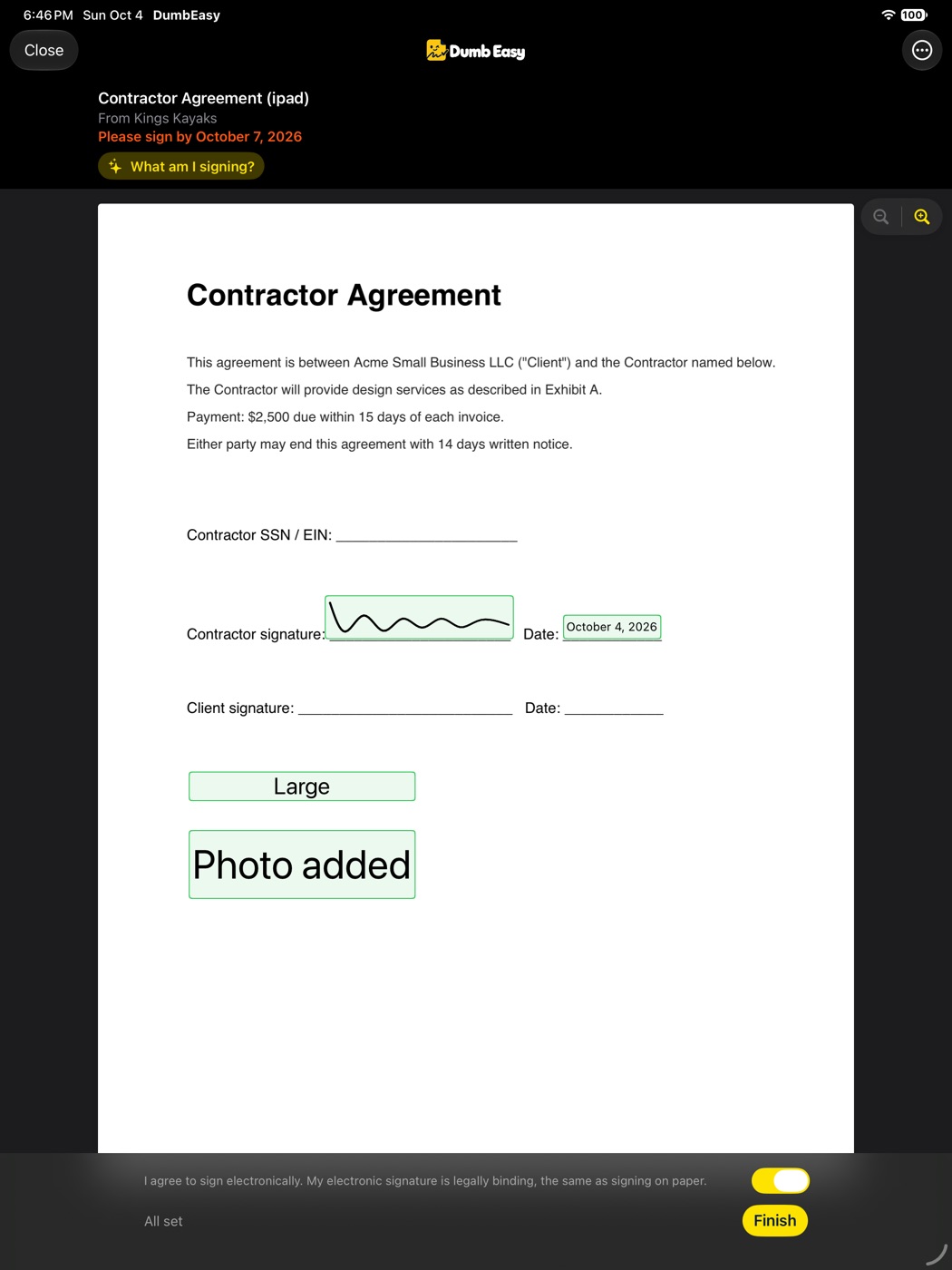
One tap and the signature, initials, date and text boxes land right where they belong, for each person signing.
Drag any of them with your finger to fine-tune.
Apartment Lease
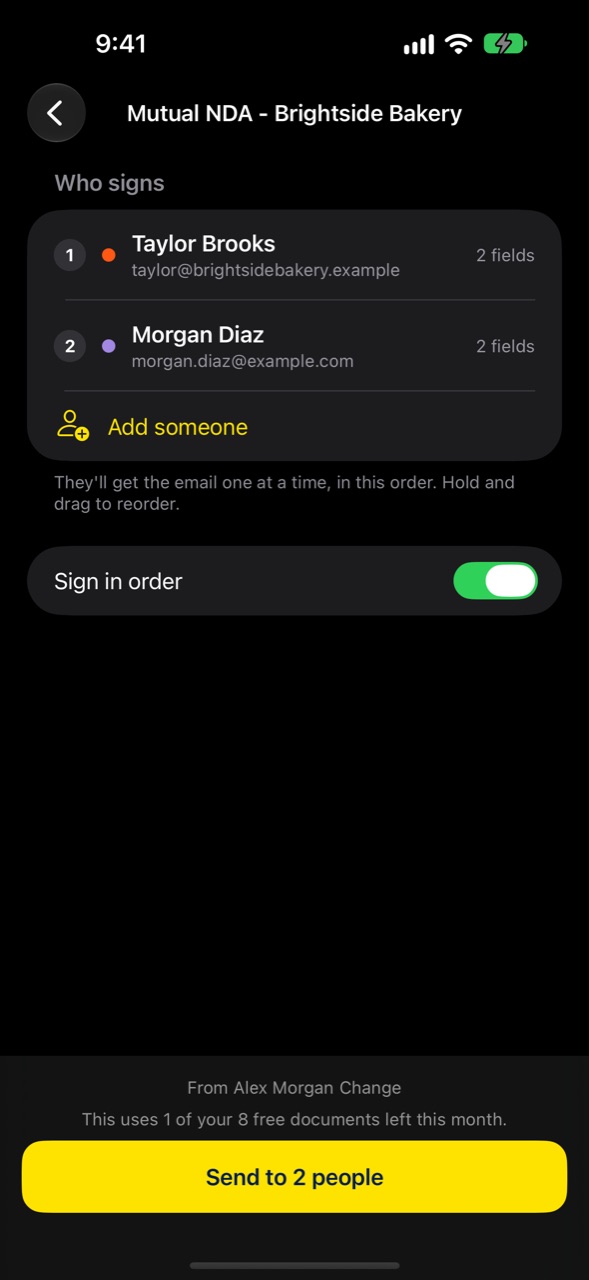
Send it your way
Email it, text it, or make one signing link or QR code that anyone can use. Great for waivers, sign-ups and permission slips.
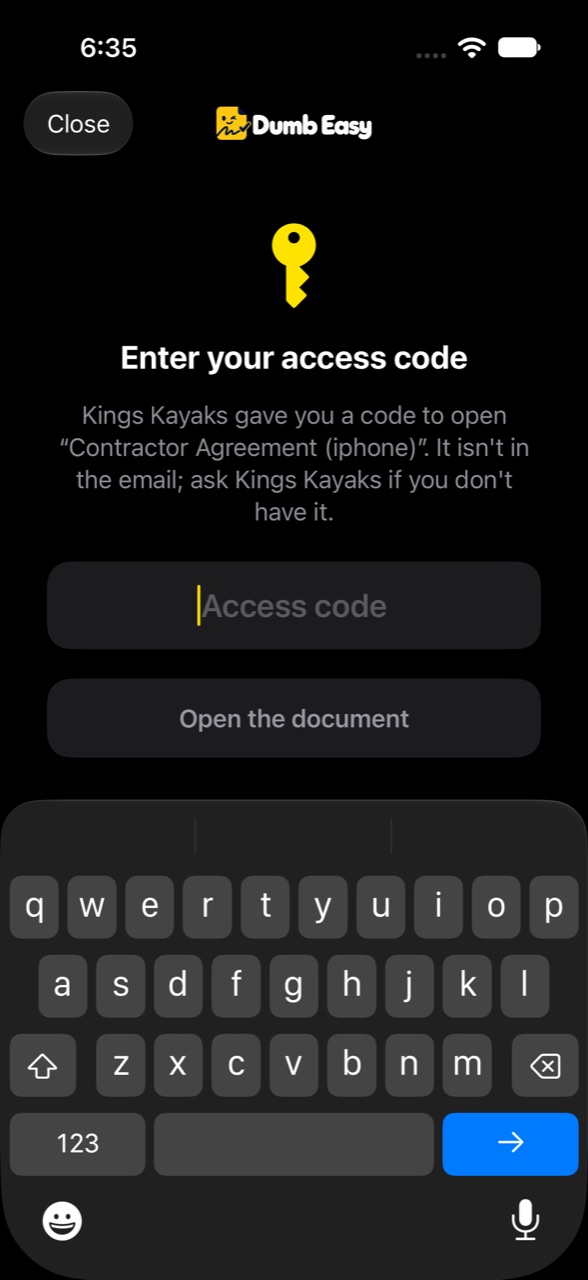
Add an access code or a sign-by date when it matters.
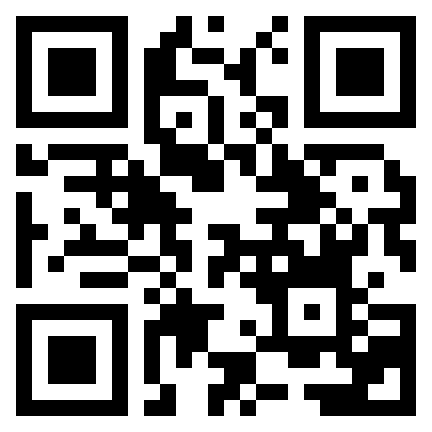
One QR code.
Everyone signs.
Signing takes seconds
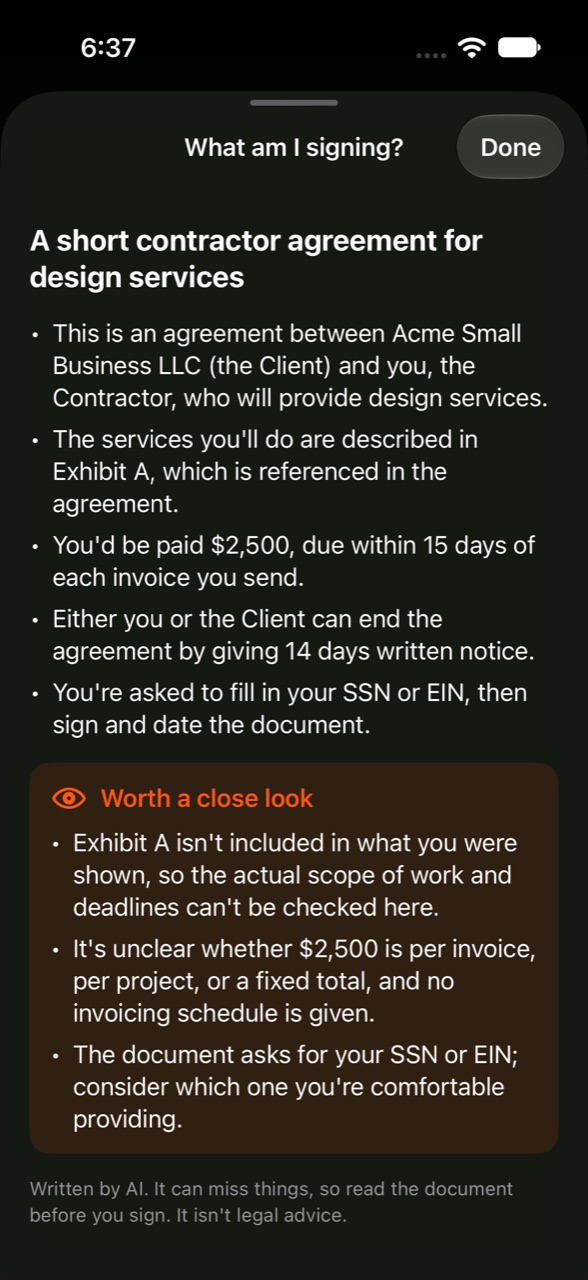
Signers just open the link. No app, no account, no password.
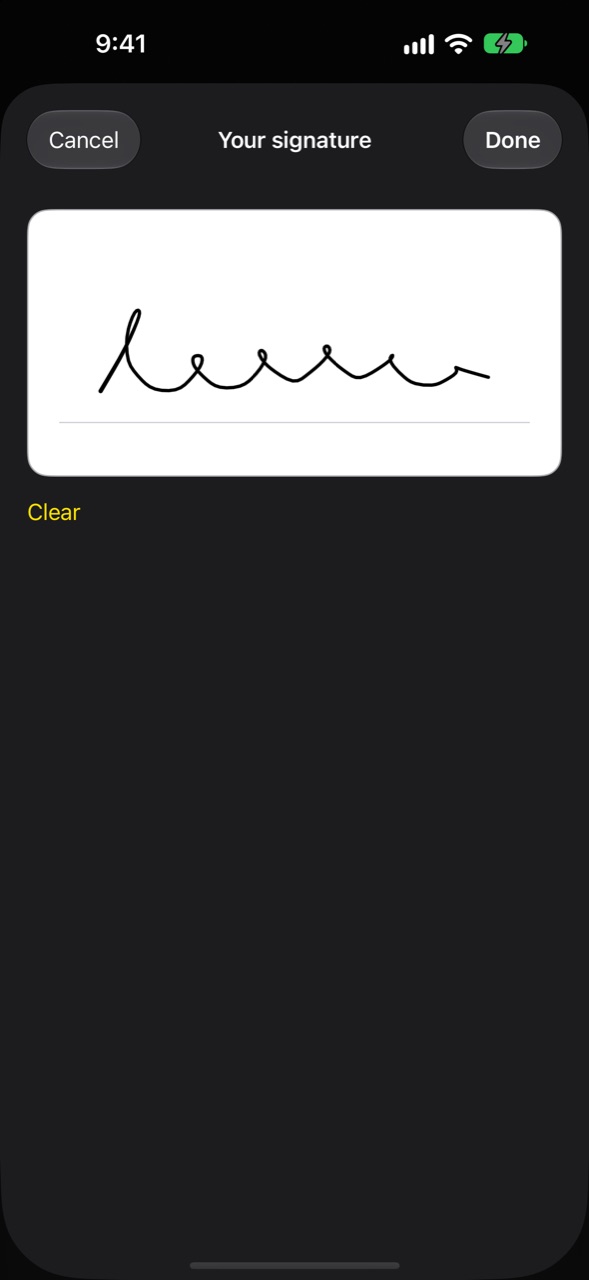
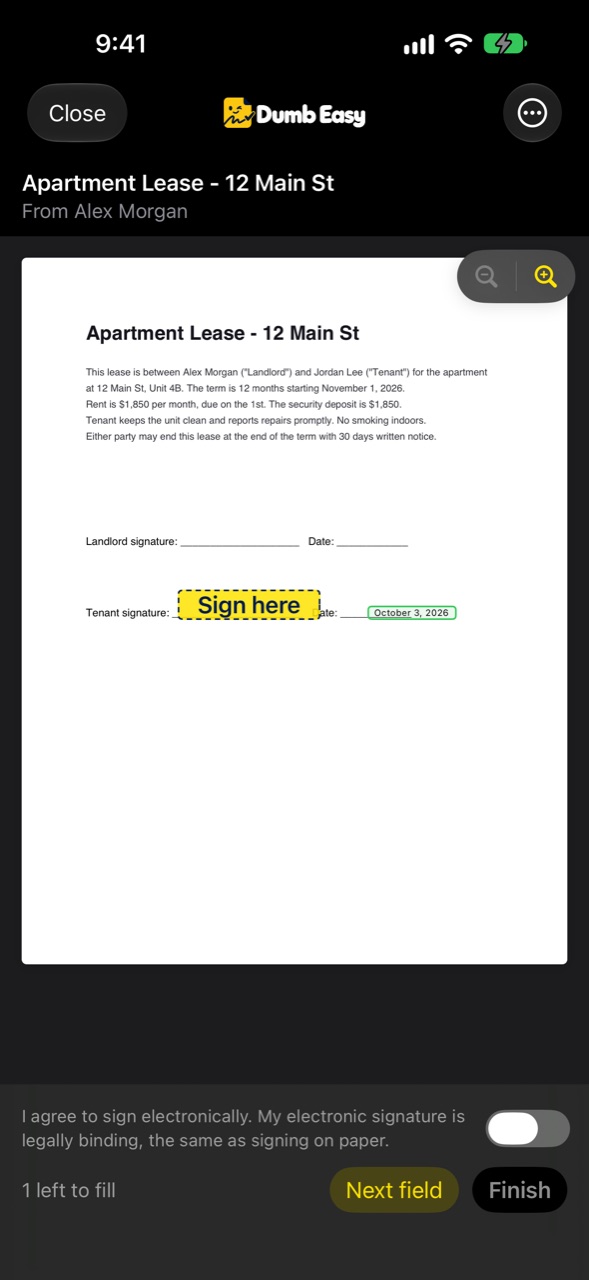
“What am I signing?” explains the document in plain English first. Then they tap each box and sign with a finger.
Dot Shield keeps private stuff private
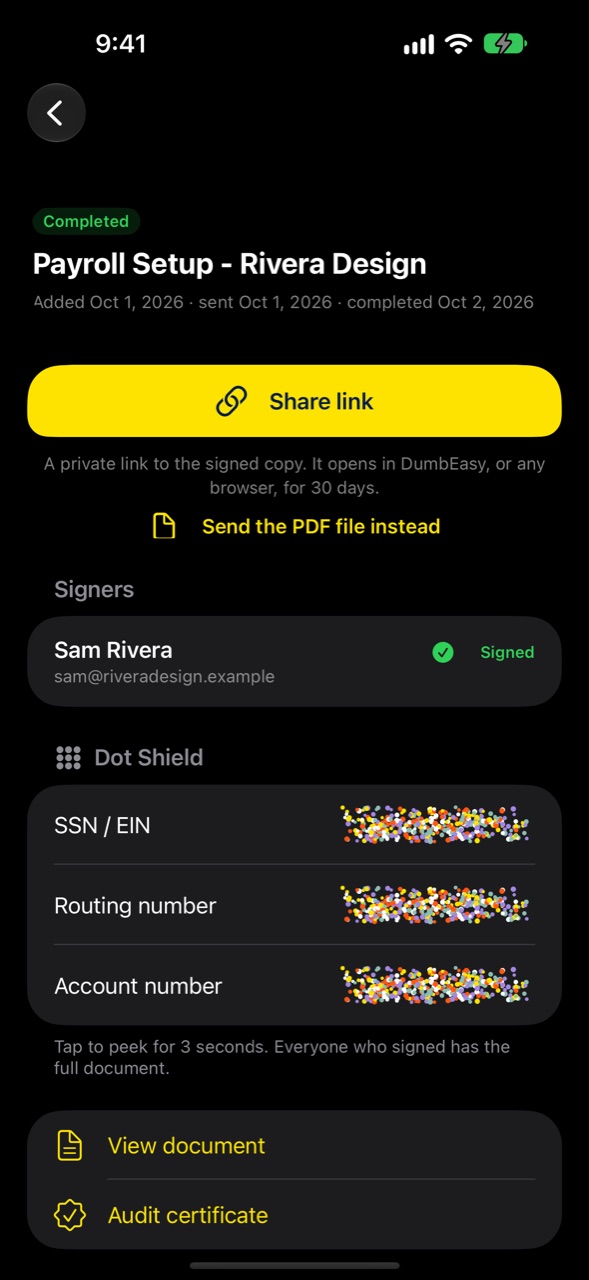
Social Security and bank numbers hide behind a swarm of moving dots. Tap to peek for three seconds, then they hide again.
Psst: the dots all over this page are the same dots. Go ahead, grab some.
Payroll Setup
Sam Rivera · signed Oct 2
Tap the dots to peek for 3 seconds
Everyone gets the signed copy
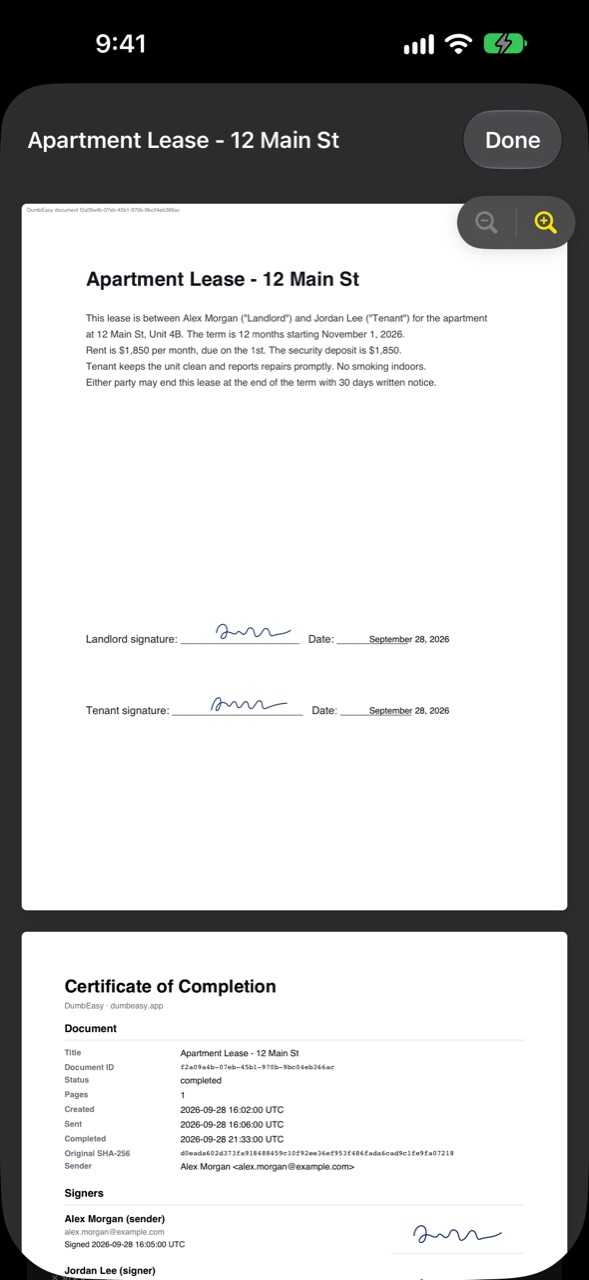
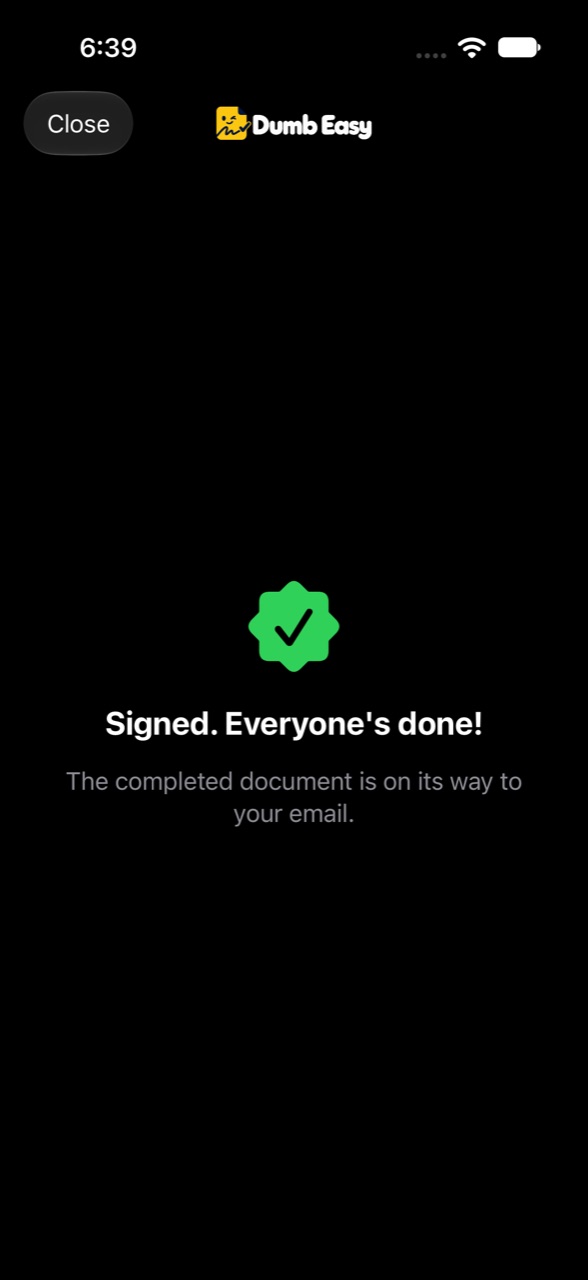
When the last person signs, everyone gets the finished PDF with an audit certificate showing who signed and when.
Confetti included.
Watch
See it in 30 seconds
Okay, 29. We did say it was easy.
Works everywhere
iPhone, iPad and the web
Start on your phone, finish on your laptop. One account, the same documents, everywhere you are.
Plus
All the good stuff
Scan paper
Point your camera at a paper document and it's ready to sign.
AI writer
Say what you need in plain words. Get a ready-to-sign document.
Templates
Leases, loans, waivers, contracts and estimates. Answer a few questions, done.
Signing links
One link or QR code, as many people signing as you like.
Access codes
Only the person with the code can open the document.
Photo uploads
Ask signers for a photo, like an ID or an insurance card.
Choices
Let signers pick from options you set.
Sign-by dates
Set a deadline and reminders go out for you.
Dumb List
Save the people you send to most. Add them in one tap.
Business profile
Your logo, address and phone on every template.
Teams
Share templates and documents with your people.
Audit certificate
Who signed and when, on every finished PDF.
Compare
Why pay more for less?
The big names charge more, hold features back for pricier plans, and save some for their website.
They cost too much
DocuSign's cheapest plan is $132 a year, and it stops at 5 documents a month.
DumbEasy Pro is $19.99 a year, with no limit.
The good stuff costs extra
At DocuSign, signer attachments and web forms are Business Pro features at $45 a user a month. Dropbox Sign saves signer attachments for its Standard plan.
Every DumbEasy plan has every feature, even Free.
The app does less than the website
DocuSign's app can't create or edit templates. Their own help says to use a web browser.
DumbEasy does it all on iPhone, iPad and the web, with one account.
What a year costs
Unlimited documents
No signer attachments · 6.0× the price
5 documents a month · 6.6× the price
Web forms need Acrobat Pro · 9.0× the price
$19 a month · 11.4× the price
DumbEasy
DocuSign
Dropbox Sign
Free plan
Cheapest plan, per year
Ask signers for a photo
One signing link for everyone
Team of 5, per year
Every feature. Every device. A fraction of the price.
Prices in US dollars, billed yearly, from each company's public pricing page on October 4, 2026. Their plans and prices can change. DocuSign, Dropbox Sign, Adobe Acrobat and PandaDoc are trademarks of their owners, who don't endorse DumbEasy.
Plans
Free to start. Cheap to keep.
Subscribe in the app or on the web. Cancel anytime.
Free
$0
Free forever
- 10 documents every month
- 5 AI uses a month
- Full access to every feature
Pro
$1.67/mo
Billed $19.99 yearly
- Unlimited documents
- 25 AI uses a month
- Everything in Free
Team of 3
$4.58/mo
Billed $54.99 yearly
Just $1.53 a person
- Unlimited documents for 3 people
- 25 AI uses a month per person
- Share templates, documents and Dumb Lists
Team of 5
$7.50/mo
Billed $89.99 yearly
Just $1.50 a person
- Unlimited documents for 5 people
- 25 AI uses a month per person
- Share templates, documents and Dumb Lists
Team of 10
$13.33/mo
Billed $159.99 yearly
Just $1.33 a person
- Unlimited documents for 10 people
- 25 AI uses a month per person
- One bill for everyone
Prices in US dollars.
Questions
Dumb questions welcome
- What is Dumb Easy?
- Dumb Easy (you'll also see it written DumbEasy) is an app for signing documents and getting them signed. Add a PDF, a scan or a template, let AI put the boxes where they go, and send it. It works on iPhone, iPad and the web.
- Is Dumb Easy free?
- Yes. Every account gets 10 documents a month with every feature. Pro and Team plans add unlimited documents.
- Do the people signing need the app?
- No. They open the link on any phone or computer and sign with a finger or a mouse. No app, no account, no password.
- Are the signatures legally binding?
- Dumb Easy signatures are designed to meet the U.S. ESIGN Act and UETA. Every signing records consent and the time, and the finished PDF comes with an audit certificate showing who signed and when.
- What can I sign with it?
- Leases, contracts, waivers, permission slips, loans, estimates and sign-up forms. If it's a PDF or a piece of paper, you can sign it.
- How does it keep private numbers safe?
- Dot Shield hides Social Security and bank numbers behind moving dots. Tap to peek for three seconds, then they hide again. You can also lock a signing link with an access code.
- Who makes Dumb Easy?
- King's Home Lab LLC. Questions? Email support@dumbeasy.app and a real person replies.
Your next signature is a few taps away.
Get the app, or start right now in your browser.